

Improves operational efficiency, reduces costs, provides accurate information and facilitates strategic decision making.
How to start?

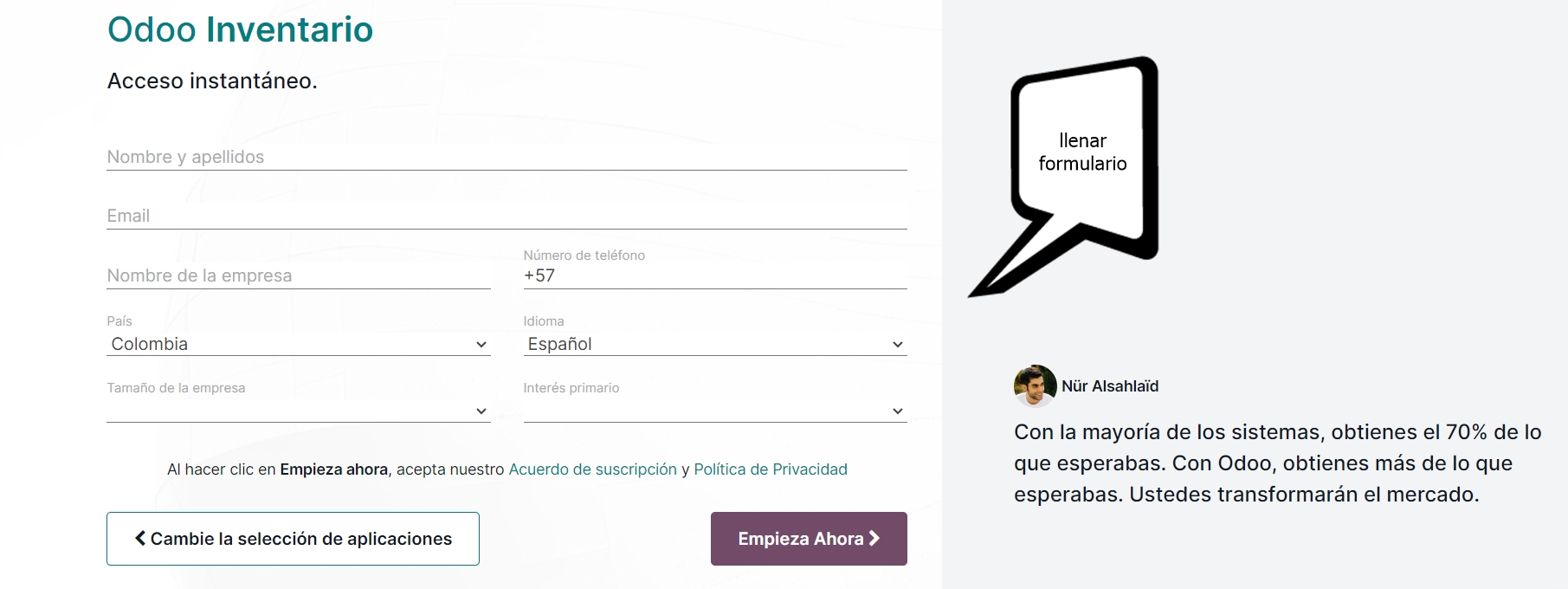
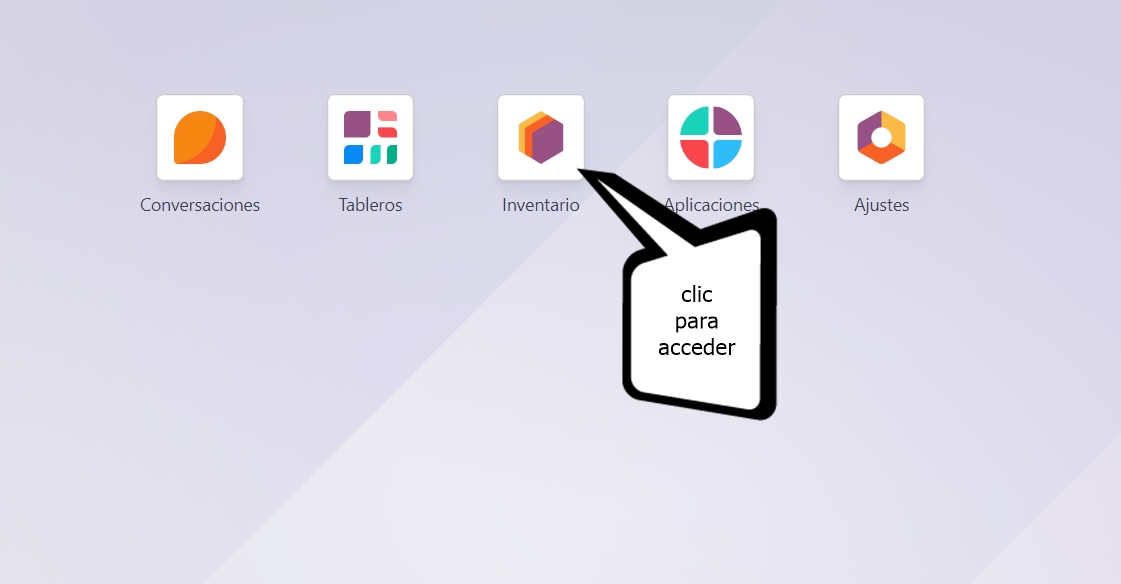
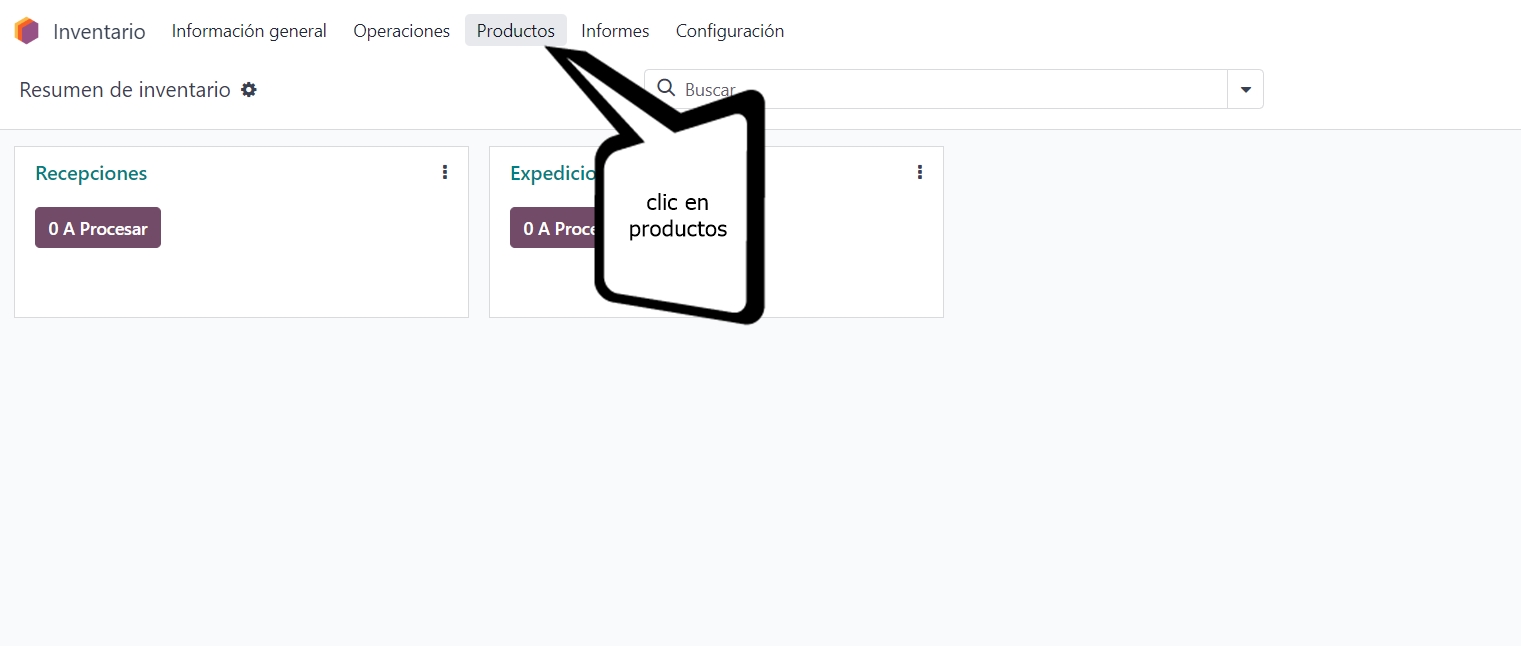
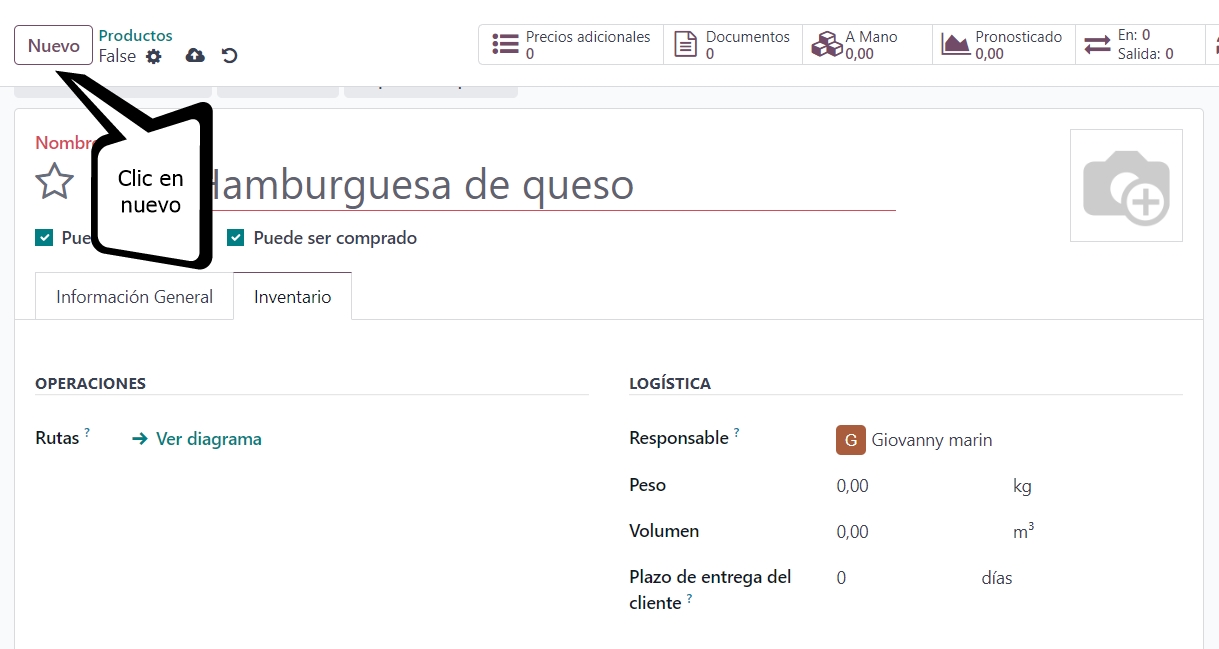
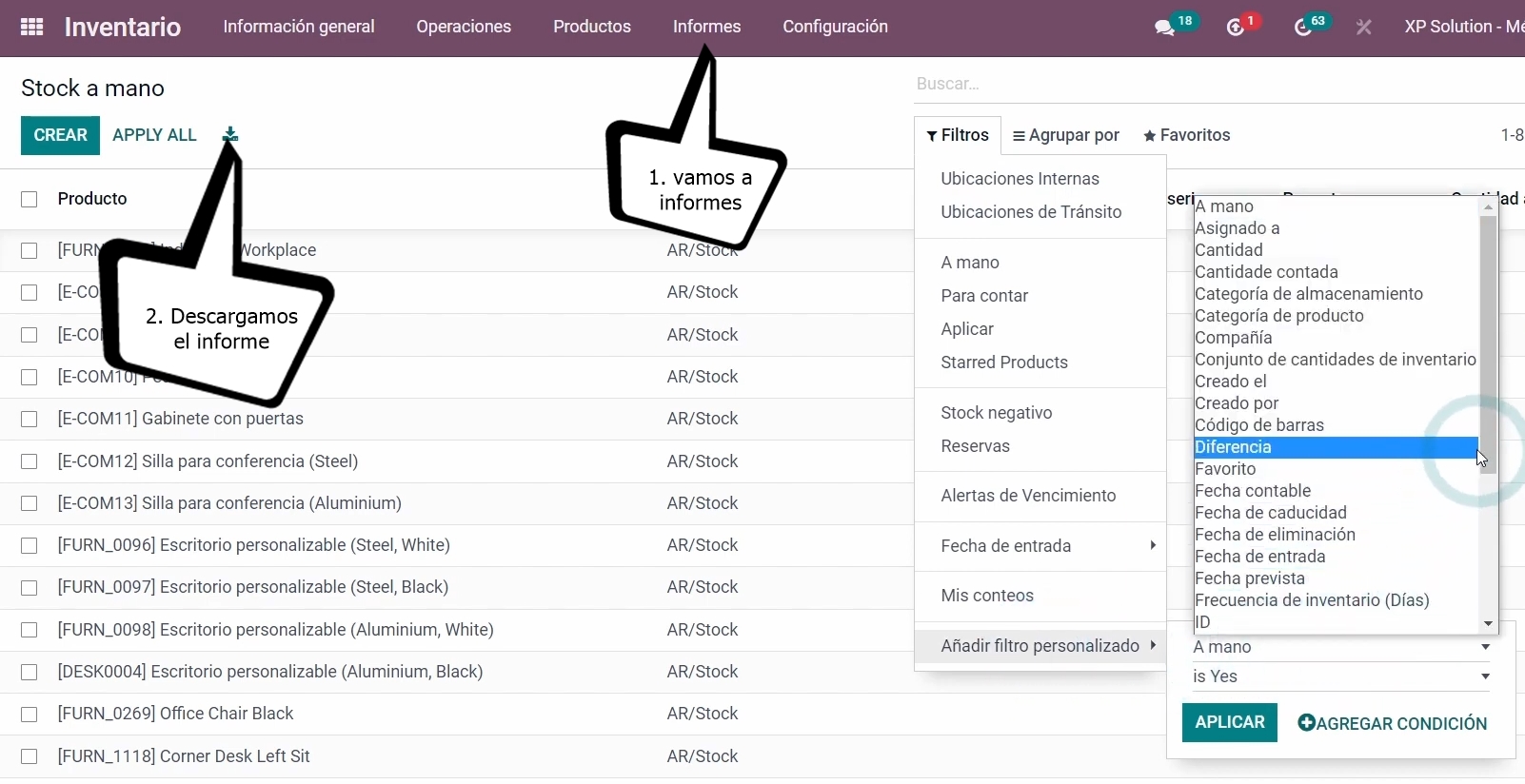
Here at webhostingfreecpanel.com we explain in a simple way how to use an inventory system in the easiest and simplest way, and for this you must follow the following steps:
Before learning how to manage an inventory system, let's learn what an inventory system is and why it is so important?
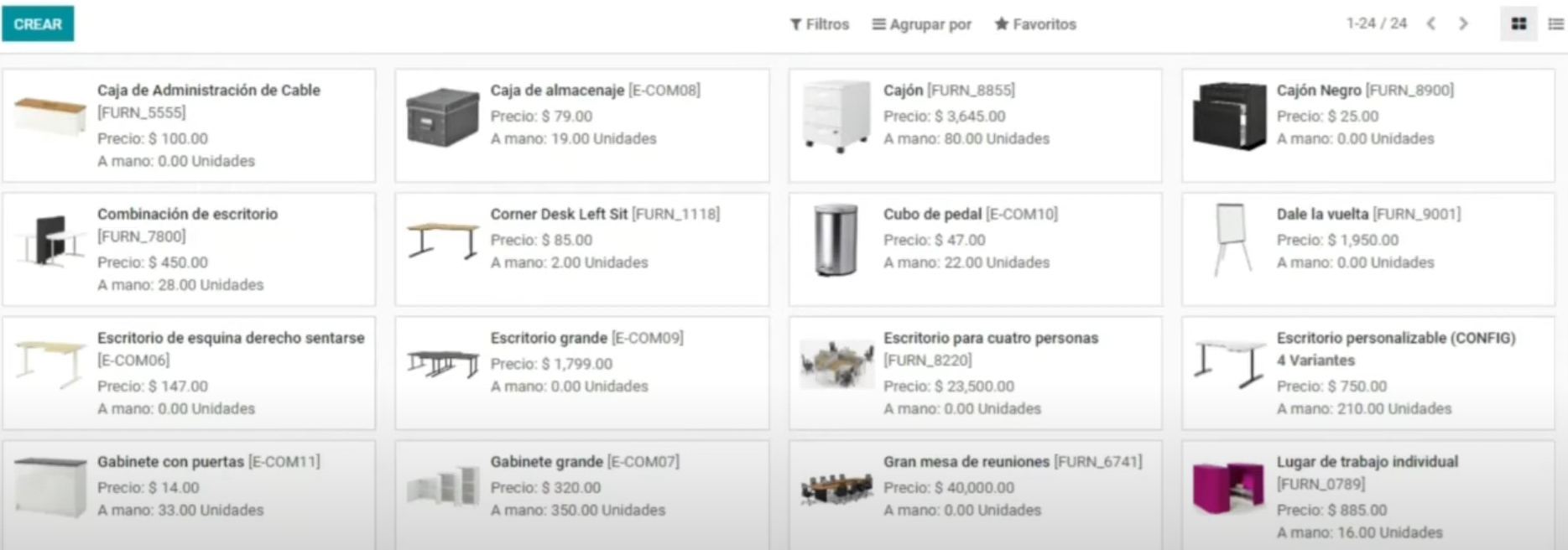
An inventory system is a computer tool that allows companies to efficiently manage the entry, exit and control of the products or raw materials they have in stock. This automated system helps maintain an accurate and up-to-date record of inventory levels, as well as facilitate decision making related to stock management. The importance of an inventory system lies in several aspects:Optimization of Financial Resources: An inventory system helps avoid overbuying or shortages of products, allowing you to optimize capital investment in inventory. By maintaining adequate levels, costs associated with excessive storage or losses due to lack of stock are avoided.
Improvement in Planning and Production: Facilitates production planning by providing up-to-date information on available quantities of raw materials and finished products. This allows operations to be adjusted according to demand and avoid unnecessary stoppages.
Order Fulfillment and Customer Service: An efficient inventory system ensures product availability to fulfill customer orders in a timely manner. This contributes to customer satisfaction and loyalty.
Reduction of Obsolescence Losses: Helps prevent product obsolescence by providing information on turnover levels and market demand. This allows you to make informed decisions about managing products that may become obsolete.
Avoid Manual Errors and Improve Accuracy: Automation reduces the possibility of human error in inventory management, ensuring accuracy in records and avoiding problems such as data duplication.
Operational Efficiency: Simplify and streamline processes such as generating purchase orders, updating inventory, and managing returns, freeing up time for staff to focus on more strategic tasks.
Informed Decision Making: Provides analytical data and reports that allow you to make strategic decisions based on up-to-date information on inventory turns, sales trends and other key metrics.
Regulatory and Tax Compliance: Facilitates compliance with regulations related to storage, traceability and product management, as well as preparation for audits and tax reports.
Adaptability and Scalability: A well-designed inventory system is scalable and can adapt to the changing needs of a business as it grows.
In summary, an inventory system is crucial to efficiently manage a company's resources, improve customer service, optimize operations and facilitate strategic decisions. Its implementation has a significant impact on the effectiveness and profitability of the company.