Subdomain Free
The
subdomains They are normally free as long as you comply with having a
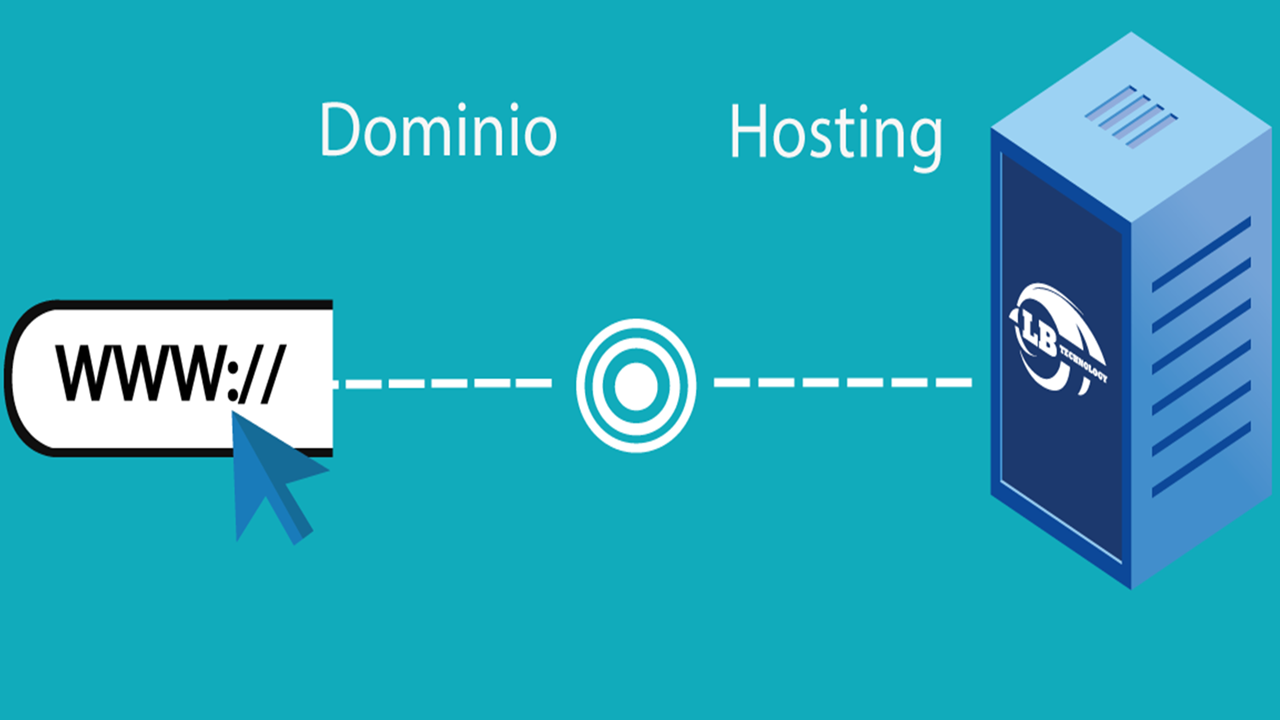
domain and a hosting, the number of subdomains that we can create in a hosting depends on the plan and provider where you purchase it, with
webhostingfreecpanel.com the
subdomains are unlimited, you can create all
subdomains what you need, we can also advise you on the creation of
subdomains if you don't have time or if you have any inconvenience.
To create a subdomain We must perform the following steps:
1. We enter our
cPanel with our username and password.
2. Then we go where it says
domains and we select
subdomains.
3. Later it loads us a menu where it asks us for the name of the
domain that we want to place, then we select the
domain where we are going to create our subdomain and finally the route, which is the location where our subdomain will be to mount our projects.